

 Premium





 Customisable watchlists with full streaming quotes from leading exchanges, such as LSE, NASDAQ, NYSE, AMEX, Bovespa, BIT and more.

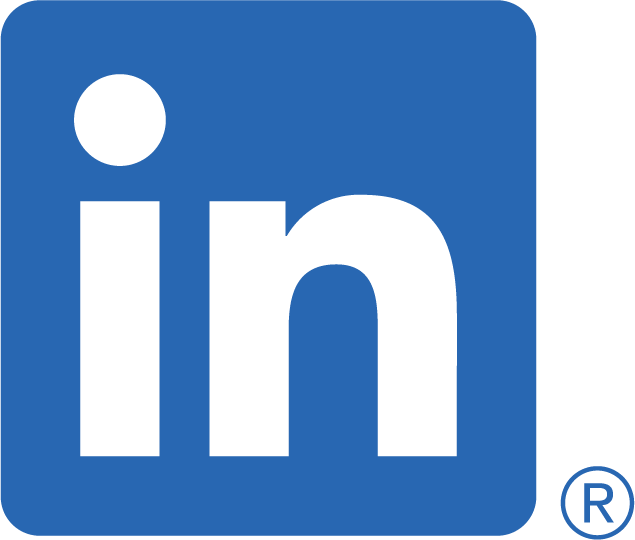
Even before the Silicon Valley startup craze, business presentations were always a big deal. They always have been. PowerPoint company has made the PowerPoint presentation quite famous. Frankly, you cannot be a presenter in today’s corporate environment without at least having some basic skills in the use of PowerPoint. Even before the pandemic, this was to be expected of a modern presentation.
Now that the pandemic has forced many company presentations to be done online through venues like Zoom and Google Meet, you cannot make an effective presentation without some type of PowerPoint template, regardless of whether that presentation template is taken from the corporate PowerPoint template or from Microsoft PowerPoint.
Deeper Into PowerPoint
While a basic knowledge of PowerPoint is required for any current professional presentation, you should know that the competition is going to be well-versed in PowerPoint too, as well as corporate PowerPoint templates like Google Slides and Microsoft PowerPoint. In order to go deeper into the art of making the perfect presentation, you need to delve deeper into your presentation design.
Before you do anything, you should write some type of rough draft of a presentation script. It doesn’t have to be a perfect script, but you should have some idea of what you intend to have in your text before you go hunting for visual aids to back up your words. Also, not all of your words will necessarily be printed on the slides, so you should have a good grasp of your hidden script as well.
As important as the spoken word is, however, you should pay equally close attention to the written portion of your slides. Since the days of the Apple MacIntosh, the layout of company presentations has been very important. Steve Jobs had a love affair with calligraphy and typography and went to great lengths to make sure that the Apple MacIntosh had every font available.
Regarding visuals and visual aids, there are many free templates out there. You should have some idea as to whether or not you want to use graphs, logos, diagrams, abstract shapes, illustrations, timelines, overhead transparencies, pastel colors, or some other color scheme according to your specifications. If you do not want to spend a lot of time on creating a PowerPoint presentation, you can hire some presentation experts, consultants, or a presentation design service.
Online Techniques

Since the global lockdowns resulting from the pandemic, presenters and keynote speakers have had to take their Powerpoint slide presentations to Zoom, Google Meet, etc. Without having face-to-face access, presenters have had to adapt their techniques to remote meetings. This might include having some procedures to make sure viewers do not talk over each other or asking active questions to make sure all viewers are still in attendance, as opposed to leaving the room for coffee, toilet breaks, etc.
Offline Techniques
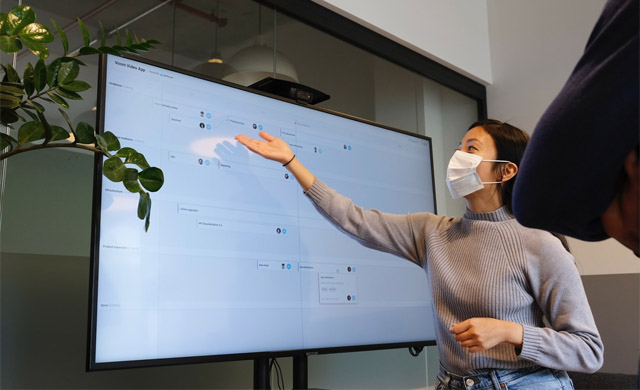
As vaccines are distributed and more and more businesses are reopening, presenters and keynote speakers should also be prepared for the possibility of giving offline, face-to-face business presentations again. The presenter should make eye contact with everyone in the room so they can both engage with the audience and be able to detect the mood of the audience should that mood change, for better or worse. This is all part of creating a compelling presentation.
The perfect template should also be well-organized, with an agenda slide, master slide, and content slide. An effective presentation should be able to communicate the general idea of the business plan clearly. The presenter should also leave time for comments at the end.
In a world of technology that has become more digitized than ever since COVID-19, humans may feel lost when trying to compare themselves to algorithms. These PowerPoint presentations can, however, be an opportunity to show creativity and personality—attributes that are impossible for any computer or artificial intelligence to do. So, make your presentation personal!